
Articles and tutorials
The technique doesn't have to be complicated.
Practical articles, guides, and comparisons that will help you navigate the world of technology and choose a solution based on what you really need.
According to use
Practical solutions depending on where and for what you actually use the technology.
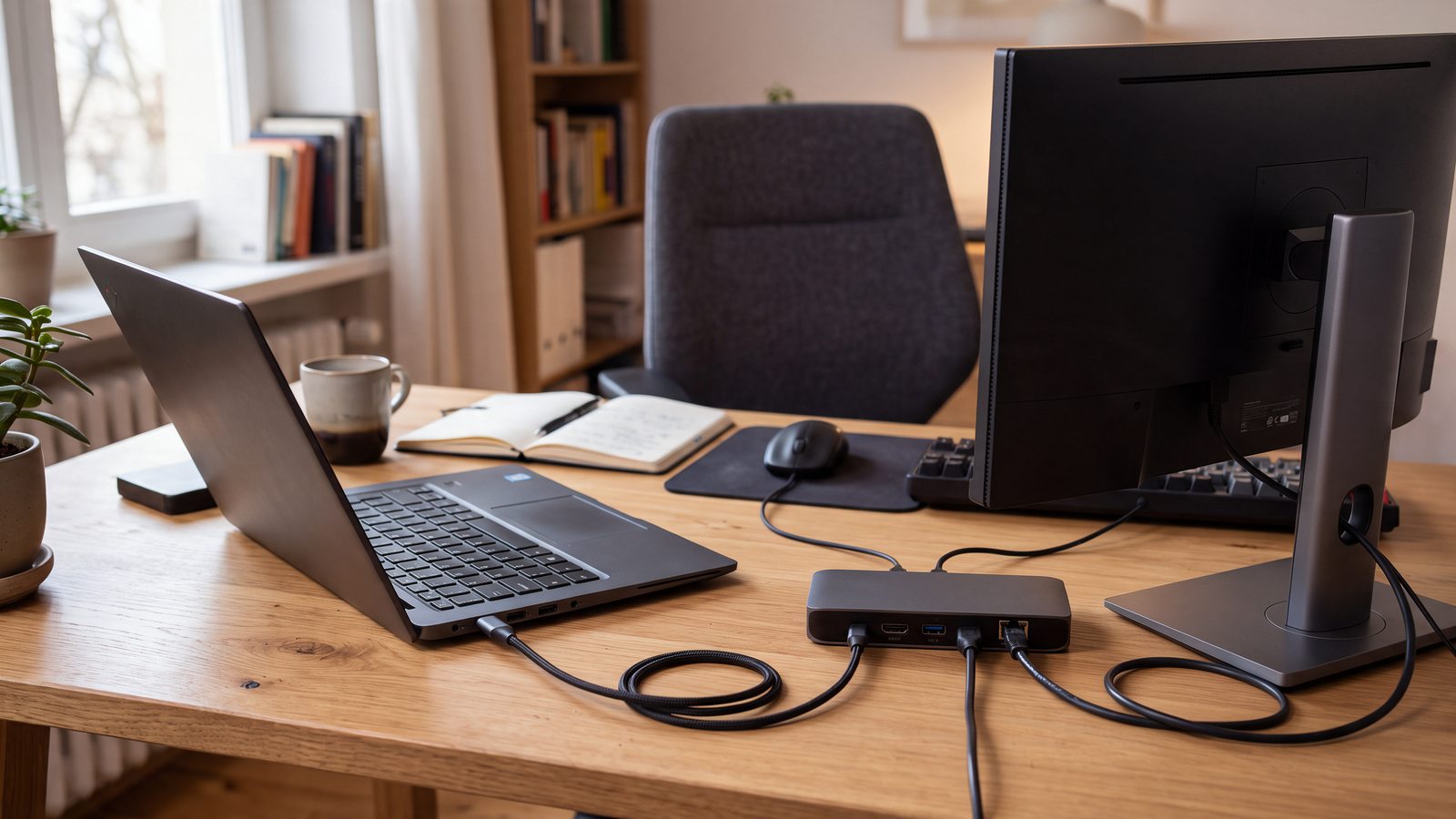
How to set up a flexible workspace at home and in the office
How to put together a laptop, monitor, docking station and accessories so that your workspace works at home and in the office.
Read the article →According to technique
Instructions and comparisons focused on specific devices, technologies and their correct selection.

How to choose a computer based on your usage
Processor, memory, disk or graphics card? A practical guide to choosing a computer based on what you'll actually do on it.
Read the article →
How to choose a laptop according to use
How to choose a laptop for work, school, travel or for more demanding use and what parameters to focus on when choosing.
Read the article →
How to choose a monitor according to your use
Which size, resolution, panel or refresh rate should you choose? A practical guide to choosing a monitor based on your usage.
Read the article →
How to choose a TV according to your use
How big a TV to choose, when OLED or Mini LED is suitable, and what to look out for with HDR, 120 Hz, or HDMI 2.1.
Read the article →
How to choose a printer according to your use
Inkjet, laser or tank printer? Choose based on what you print, how often, and how much it will cost you in the long run.
Read the article →As needed
When you're not looking for a specific product, but need to find out how to choose, solve, compare, or put something together.
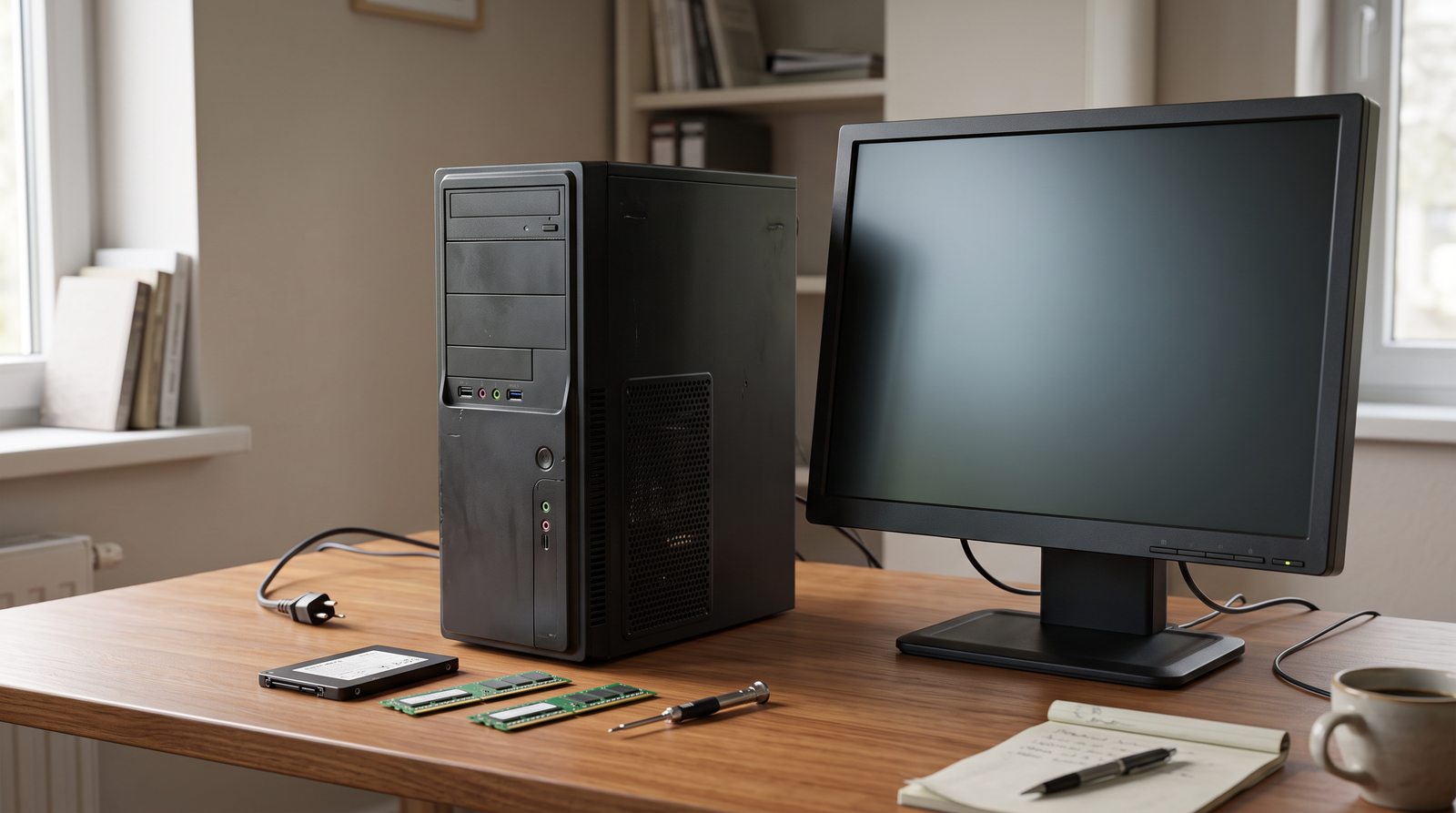
When to replace old equipment and when to save it
When will an upgrade, cleaning or repair help and when does it make more sense to replace an older computer or laptop with a new one?
Read the article →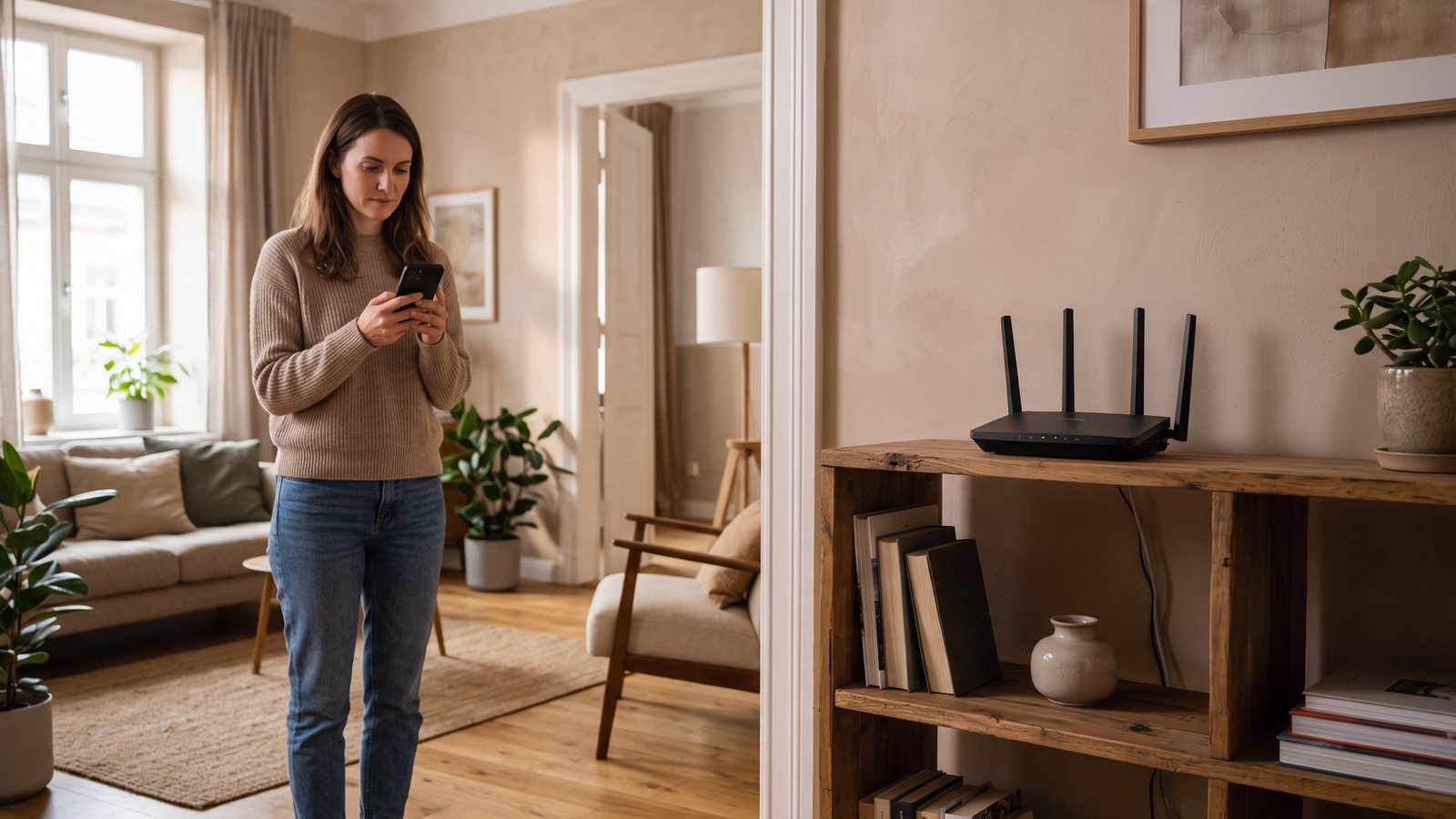
How to improve Wi-Fi at home: what to do if the signal is not enough
How to find the cause of weak Wi-Fi, correctly place the router and when a repeater, mesh, access point or wired connection will help.
Read the article →Do you need advice on choosing?
Didn't find the answer to your problem? Write to us. We will be happy to advise you on the selection of equipment, accessories or a complete solution according to your needs.
+420 777 848 084