
How to choose a printer according to your use
Printers may look similar at first glance, but the differences in operation are significant. One model is suitable for a few documents per month, another for a regular home office, and an office where hundreds of pages are printed has completely different requirements.
When choosing, it is therefore not enough to look at the purchase price or print speed. What is important is what and how often you will print, whether you need color, a scanner or a copier, and how much long-term operation will cost.
A good printer is not the one with the longest list of features, but the one that matches your actual usage.
1. Choose according to use
You need a different device for a few documents a month than for your daily office work, so first estimate what and how much you actually print.
2. The purchase price is not the entire cost
A cheap printer may use expensive cartridges. With regular printing, the running costs can significantly exceed the price of the device itself over a few years.
3. Think about practical features too
Automatic duplex, ADF, Ethernet or convenient multi-page scanning can significantly affect work comfort when used regularly.
First, be clear about what you will print.
Before comparing specific models, answer a few questions:
- Approximately how many pages do you print per month?
- Do you mainly print text documents?
- Do you need color charts or photos?
- Will you print regularly, or just a few times a month?
- Do you need to scan?
- Do you scan individual pages or entire contracts and documents?
- Will the printer be used by one person or by multiple users?
It is the answers to these questions that usually decide whether an inkjet, laser or tank printer is more suitable.
Inkjet or laser printer?
This is one of the most common decisions when choosing. Both technologies have their advantages and it is not possible to say that one is always better.
Inkjet printer
An inkjet printer applies very small drops of ink onto the paper.
A strong point is:
- high-quality color printing,
- good presentation of photos,
- compact design,
- lower purchase price for basic models.
It is suitable for household items, school materials, color documents, graphics and photographs.
The disadvantage of traditional cartridge systems can be higher operating costs. With very irregular use, it is also necessary to take into account that the ink in the print head can gradually dry out.
Laser printer
A laser printer uses toner powder.
A strong point is:
- fast document printing,
- sharp text,
- good readiness even after a long period of inactivity,
- high toner capacity,
- suitability for larger print volumes.
A black and white laser printer is therefore often a very practical choice for home offices, administration, invoices, contracts or offices.
Color laser printers can handle charts, presentations, or regular business graphics, but for high-quality photos, laser is usually not the first choice.

Black and white or color?
If you are printing mainly:
- invoices,
- contracts,
- orders,
- internal documents,
- textual materials,
A black and white laser printer can be a simple and cost-effective solution.
You can use a color printer if you regularly print:
- presentation,
- graphs,
- school materials,
- marketing materials,
- photo.
It's not necessary to buy a color model just "to be safe." If you use color a few times a year, it may be more beneficial to have a quality black-and-white printer for everyday documents and handle color printing differently.
Cartridge or tank system?
There are two basic ways to refill ink with inkjet printers.
Cartridges
A classic cartridge is a replaceable ink cartridge.
Advantages:
- simple replacement,
- lower purchase price of the printer,
- suitable for smaller print volumes.
The disadvantage may be:
- higher ink cost per page,
- smaller capacity.
Tank system
A tank printer uses larger tanks into which ink is refilled from bottles.
The advantage is:
- very low cost per page,
- high ink capacity,
- less frequent refilling.
The disadvantage is usually the higher purchase price of the printer.
For a few dozen pages per month, the higher cartridge price may not be a major issue. However, with regular printing, costs can quickly increase.
The tank system is therefore particularly suitable where printing is done regularly and in larger quantities.
Even a tank printer doesn't solve the problem of an inkjet printhead that hasn't been used for a long time. If you print once every few months, a laser may be more practical.
Multifunction printer, or just a printer?
A multifunctional device usually combines:
- printer,
- scanner,
- photocopier.
Some models offer additional features.
For a home or home office, a multifunction printer is often more practical because it allows, for example, to:
- digitize the contract,
- copy a document,
- scan the signed page,
- create a PDF.
If you know you'll never use the scanner, a standalone printer may be smaller and simpler.
Automatic duplex saves time and paper
Duplex means double-sided printing.
With cheaper printers, you can sometimes only print on both sides manually - the printer will print one side and then prompt you to turn the paper over.
The automatic duplex can turn the paper without user intervention.
It is practical for example for:
- longer documents,
- contracts,
- study materials,
- internal documentation.
If you print regularly, automatic duplexing is one of the features that you should not underestimate when choosing.
What is ADF and when will you use it?
ADF or Automatic Document Feeder is an automatic document feeder.
Instead of placing each page individually on the scanner glass, you load the entire stack of paper into the feeder.
The printer then scans or copies each page one by one.
The ADF is very useful, for example, when working with:
- contracts,
- invoices,
- multi-page documents,
- accounting documents.
If you regularly digitize ten-page documents, the difference between a printer with and without an ADF is significant.
Single-sided and double-sided ADF
Some printers can automatically scan both sides of a document.
This is especially important in the office, where you often work with double-sided printed contracts and other documentation.
Therefore, when choosing, check not only the presence of an ADF, but also whether it can scan both sides .

Print speed is not just pages per minute
Manufacturers usually state speed in pages per minute.
For normal use, this information is useful, but it is not the only one.
The time to print the first page can also be important .
If you print the same document several times throughout the day, a fast first page may be more practical than a very high maximum speed for a long continuous print run.
Household
With a few pages per week, the difference of a few pages per minute is not significant.
Home office
With regular printing, higher speed brings greater comfort.
Office
With dozens or hundreds of pages per day, print speed is significantly more important.
Also follow the recommended print volume
Some printers have a recommended monthly volume listed.
This helps determine what load the device was designed for.
A small home printer can technically print a large number of pages, but it may not be suitable for such operation in the long term.
If you regularly print hundreds or thousands of pages per month, it is better to choose a device designed for the corresponding load.
Resolution and print quality
You will often see DPI information on printers.
However, a higher number does not automatically mean that one printer will print better in all situations.
The resulting quality is influenced by, for example:
- printing technology,
- used ink or toner,
- print head design,
- paper quality,
- image processing method.
For regular text documents, extremely high resolution is not needed.
In photographic printing, on the other hand, in addition to resolution, colors, inks, and suitable photographic paper also play an important role.
How to connect a printer?
Connectivity is especially important if multiple people use the printer or you want to print from your phone and laptop without a cable.
USB
The simplest option. The printer is connected directly to one computer.
For one workstation, USB may be sufficient.
Wi-Fi
The printer connects to your home or office network and can be used by other devices.
- no cable to the computer is required,
- the printer can be used by multiple users,
- can be printed from laptops and phones.
Ethernet
Ethernet is especially practical in offices.
The printer is connected to the network via cable, which can offer a very stable connection.
Wi-Fi Direct
Wi-Fi Direct allows compatible devices to communicate with the printer directly, without the need to use a regular Wi-Fi network .
Printing from your phone
With modern printers, the ability to print from a mobile phone or tablet is common.
Support varies by manufacturer and platform.
It is therefore advisable to check before purchasing:
- support for your phone,
- installation method,
- available mobile application,
- supported printing protocols.
If you print from your phone regularly, the convenience of mobile printing may be more important than some of the printer's paper specifications.

How much does a printer really cost?
The price of the printer is only the first print run.
You will also buy:
- ink,
- toner,
- possibly an optical cylinder,
- waste container,
- other consumable parts depending on the printer design.
Price per page
To compare operating costs, it is useful to find out:
- price of the filling,
- declared yield,
- approximate price per page.
For example, if a cheaper printer uses small and expensive cartridges, it may cost significantly more over a few years than a more expensive model with cheaper operation.
Standard and high-capacity cartridges
Many printers support multiple toner or cartridge sizes.
High-capacity cartridges tend to be more expensive to purchase, but they usually offer a lower cost per page.
If you print regularly, it is therefore a good idea to compare the operation with higher capacity cartridges.
Watch out for other consumables
With laser printers, toner is not always the only component that changes over the life of the printer.
Depending on the specific design, there may be, for example:
- separate optical cylinders,
- transmission units,
- waste toner containers,
- fusing units.
With a home printer, you may not need to replace any of these parts at all during its normal lifespan.
However, in larger office operations, they may become part of long-term costs.
Therefore, when choosing, it is advisable to monitor not only the price of the toner, but also the entire consumables system.
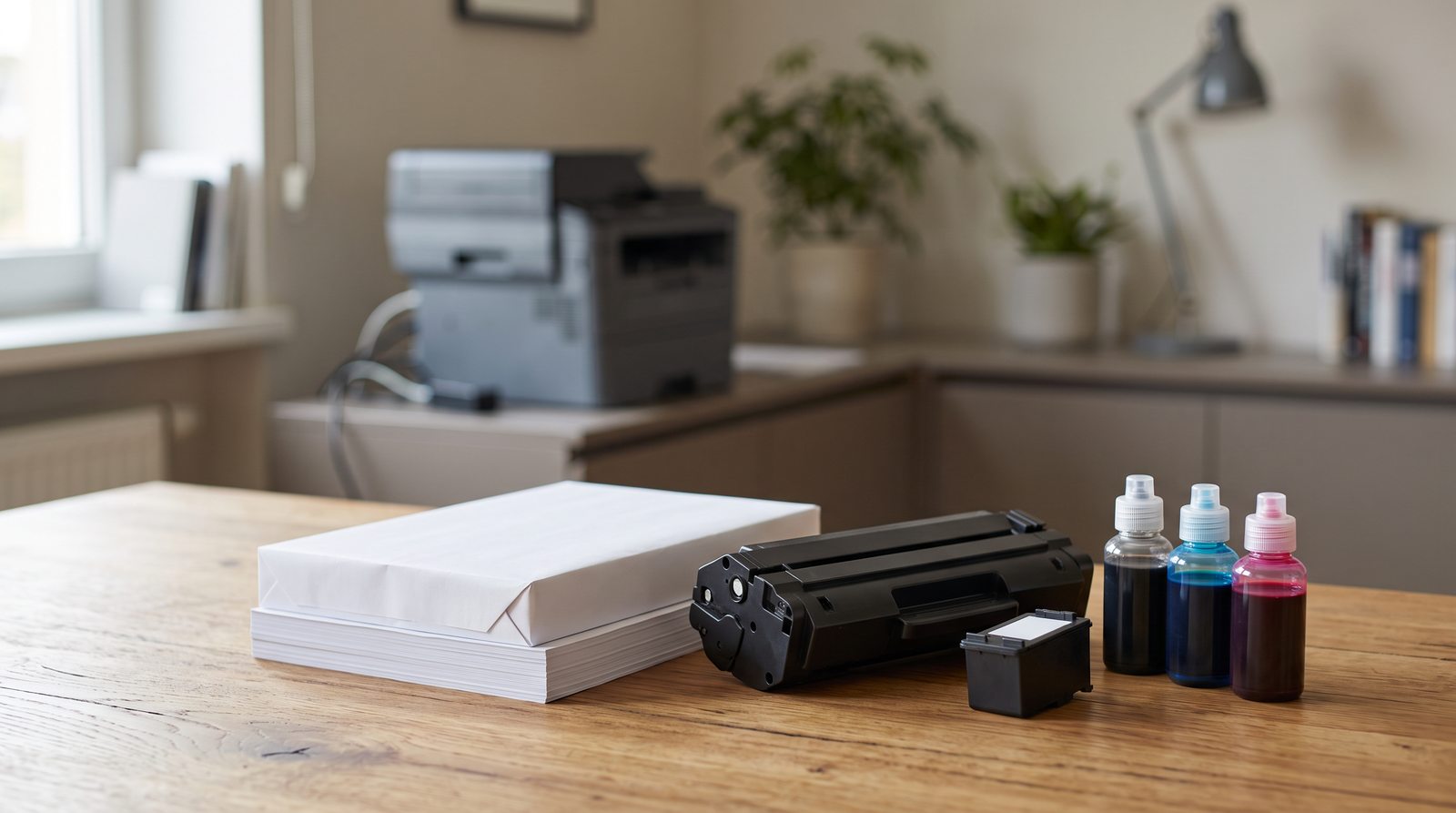
Which printer to choose based on usage?
Occasional home printing
If you only print a few documents per month, simplicity and low maintenance are important.
If you don't need photos, a smaller black and white laser printer can be very practical . If you also need color, a simple inkjet multifunction printer may be suitable.
Household and school
A color inkjet printer is usually suitable for worksheets, reports, images, and color documents .
For higher volumes, a tank system may be worthwhile.
Home office
For regular work with documents, it is advisable to monitor in particular:
- automatic duplex,
- scanner,
- ADF,
- Wi-Fi or Ethernet,
- price per page.
If you mainly print black and white documents, a laser multifunction printer may be a good fit.
Small office
It is especially important:
- higher speed,
- ADF,
- duplex,
- larger paper tray,
- network connection,
- high-capacity cartridges.
Higher volume of documents
With hundreds or thousands of pages per month, operating costs start to matter significantly more.
Track cost per page, recommended print volume, cartridge capacity, speed, toner yield, and consumables availability.
Photo printing
For photos, a high-quality inkjet printer designed for working with photos is suitable.
Color quality, number of inks used, support for photo media, borderless printing capability, and supported paper sizes can be important.

The most common mistakes when choosing a printer
You decide only based on the purchase price
The cheapest printer may not be the cheapest in the long run. Always check the price and capacity of the cartridges.
You hardly use your inkjet printer.
With very long intervals between prints, ink drying in the print head can be a problem. For irregular document printing, a laser may be more practical.
No automatic duplex
Manually rotating the paper is inconvenient when printing regularly. If you print longer documents, automatic duplexing is a good idea when purchasing.
Need to scan multiple pages but don't have an ADF
Scanning a multi-page document by manually placing individual sheets on the glass is unnecessarily slow.
You are ignoring connectivity
If multiple people need to use the printer, the absence of Wi-Fi or Ethernet may be an unnecessary limitation.
You are only tracking the maximum DPI
DPI alone is not a reliable indicator of overall print quality. Choose a printer based on your actual usage, not a single number in the specification.
First the use, then the specific model
When choosing a printer, proceed approximately as follows:
- estimate the monthly print volume,
- decide if you need color,
- choose inkjet, tank or laser technology,
- decide if you need a scanner and ADF,
- check the automatic duplex,
- verify the necessary connectivity,
- compare refill prices and the price per page,
- only then compare specific models.
A good printer isn't the one with the longest list of features. It's the device that fits what you actually print, how often you print, and how much it will cost you to run in the long run .
Frequently asked questions
Is an inkjet or laser printer better?
It depends on the use. An inkjet printer is mainly suitable for color printing, graphics and photos. A laser printer is very practical for fast and regular printing of text documents.
Is the ink drying out in the printer?
Yes, if not used for a long time, the ink in the print head can gradually dry out. Printers have cleaning mechanisms, but with very irregular use, laser technology may be more practical.
Is a tank printer worth it?
Especially with regular and higher print volumes. The purchase price is higher, but the price of ink per page can be significantly lower than with traditional cartridges.
What does duplex mean?
Duplex means two-sided printing. Automatic duplex can print on both sides of the paper without manually turning the sheet.
What is ADF?
An ADF is an automatic document feeder. It allows you to insert multiple pages at once and then automatically scan or copy them one by one.
Do I need Wi-Fi on my printer?
Not always. If the printer is used by a single computer and can be connected via USB, Wi-Fi is not necessary. However, if multiple devices use it or you want to print from a laptop and a phone, a wireless connection is more convenient.
How much does one printed page cost?
It depends on the price and yield of the specific cartridge. When comparing printers, therefore, look not only at the price of the toner or ink, but also at the number of pages it is supposed to handle according to standardized measurements.
Which printer to choose for a home office?
If you mainly print documents, a laser multifunction printer with automatic duplexing and ADF is very practical. If you need to print in color regularly, you can consider a color laser or an inkjet or tank multifunction printer depending on the volume and type of printing.
Do you need advice on choosing a printer?
If you are not sure, please let us know what you print most often, approximately how many pages you need per month, and whether you will use color printing, scanning, or copying.
We will help you choose a printer based on your actual usage and long-term operating costs.
E-mail: info@jirno.eu
We only handle technical questions via e-mail or contact form.
Do you have any questions? We will answer them. Please fill in your contact details carefully.
JIRNO – a technique that makes sense in practice.