
How to improve Wi-Fi at home: what to do if the signal is not enough
Slow page loading, video call dropouts, or TV that keeps loading when streaming may not automatically mean you have slow internet.
The problem may be in the Internet connection itself, but also in the router , its location, interference from surrounding networks, or simply in the fact that one Wi-Fi cannot reliably cover the entire apartment or house.
Before you buy a new router, repeater, or mesh system, it's a good idea to first figure out where the problem actually arises.
1. First measure the problem
Slow internet speed and weak Wi-Fi are not the same thing. First, determine if the problem is with your ISP connection or within your home wireless network.
2. Router placement is crucial
A router hidden in a closet or placed in a corner of the house cannot reach its potential. Proper placement can bring significant improvements without additional investment.
3. One router may not be enough everywhere
For larger apartments, multiple floors, or divided houses, mesh, multiple access points, or a wired access point may be more suitable.
- How to find out where the problem is
- Where to place the router correctly
- 2.4GHz, 5GHz and 6GHz
- Wi-Fi 5, 6, 6E and 7
- Interference and Wi-Fi channels
- When to change settings
- Repeater and extender
- Mesh Wi-Fi
- Access point and Ethernet
- When to replace your router
- Solutions by household type
- Frequently asked questions
First, find out where the problem is.
Before you start changing settings or buying a new device, try to isolate the problem first.
Ask yourself a few questions:
- Is the Wi-Fi slow everywhere, or just in some rooms?
- Is the problem only on one device?
- Is the connection slow all the time, or just at certain times?
- Does the internet work well over Ethernet?
- Is it just the speed that drops, or are there also outages?
Compare cable and Wi-Fi
If your device allows it, connect your computer to your router with an Ethernet cable and compare the results to the same test over Wi-Fi.
If the wired connection is fast and stable, but Wi-Fi is significantly worse, the problem probably originates in the home wireless network.
If even a wired connection is slow, the problem could be something like:
- at the internet provider,
- in the modem or router ,
- in the cabling,
- in the network settings.
Speed isn't everything
When it comes to Wi-Fi problems, the Mbps figure is not the only thing that matters.
Also watch:
- connection stability,
- latency,
- speed fluctuations,
- outages,
- response time.
For video calling or online gaming, a stable connection may be more important than a high maximum speed.

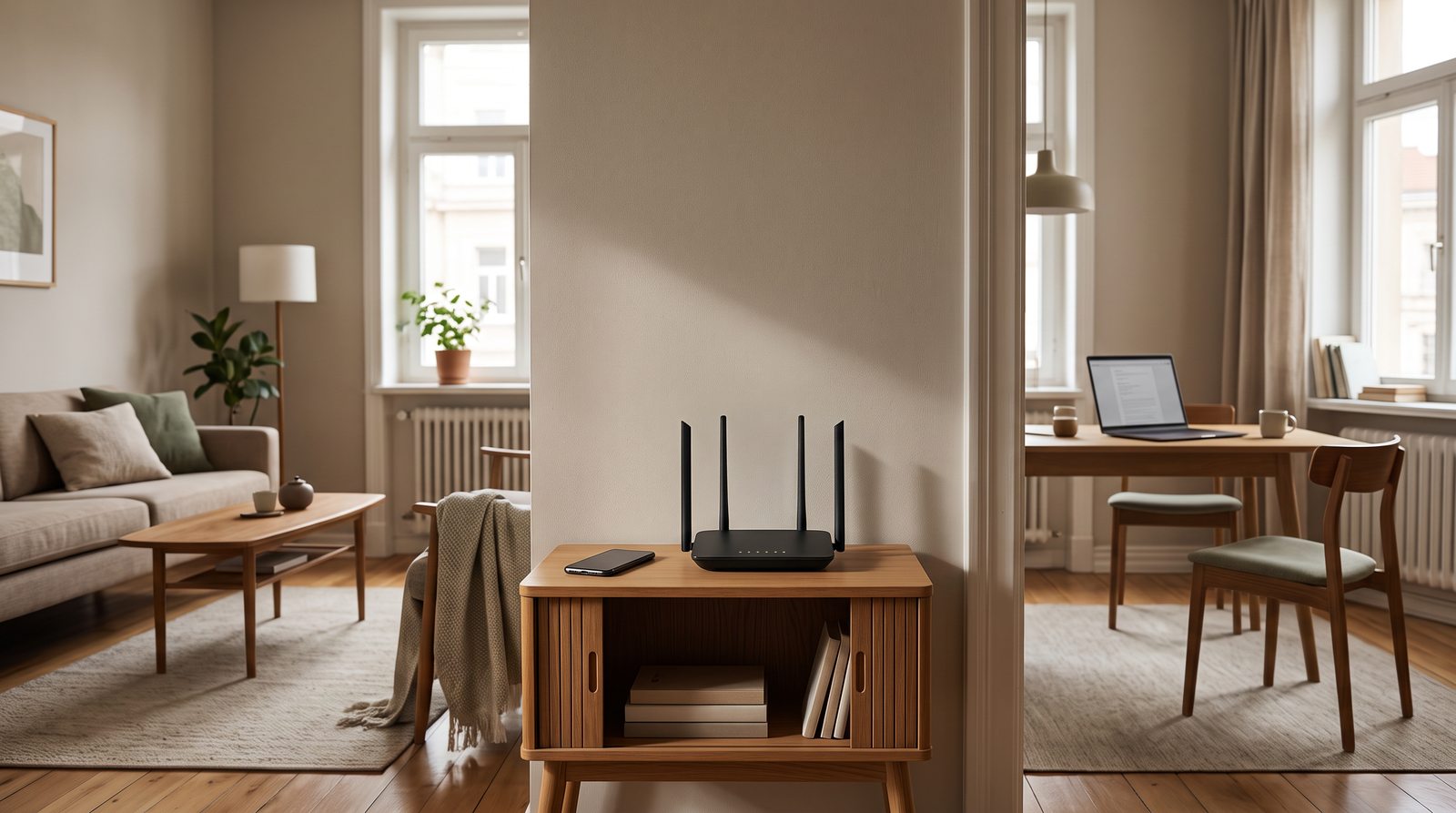
Where should I place the Wi-Fi router?
The Wi-Fi signal spreads through space and every obstacle partially attenuates it.
Therefore, a router usually works best:
- in an open place,
- approximately in the middle of the area it is supposed to cover,
- above the floor,
- except for large metal objects,
- outside closed cabinets.
Don't hide the router
A router hidden in a TV cabinet may not be visible, but it is often an unsuitable location for Wi-Fi.
The signal can be significantly affected by, for example:
- thick walls,
- reinforced concrete,
- metal structures,
- mirrors,
- large appliances,
- water.
Coverage over several floors is also more problematic.
The router does not need to be next to the connection
Your provider will often place your modem or router where the connection comes into your home, but this may not be the best location for Wi-Fi.
If the device can be connected via Ethernet, it may be advantageous to place the wireless router or additional access point elsewhere.
2.4GHz, 5GHz and 6GHz
Modern Wi-Fi can use several frequency bands, each with different characteristics.
2.4GHz
Advantages:
- greater reach,
- better passage through some obstacles,
- broad support for older devices.
Disadvantages:
- lower maximum speeds,
- less available spectrum,
- more frequent interference.
5GHz
Advantages:
- higher speeds,
- more available Wi-Fi space,
- usually less interference than 2.4 GHz.
The disadvantage is a shorter range and greater attenuation through walls.
6 GHz
Advantages:
- more free spectrum,
- fewer older devices,
- very fast connection option,
- lower risk of congestion by older networks.
The disadvantage is the shorter practical range and the need for a compatible router and terminal device.
6 GHz is not the solution for maximum home coverage. It is more suitable where you want high performance over a shorter distance.
Wi-Fi 5, Wi-Fi 6, Wi-Fi 6E and Wi-Fi 7
The Wi-Fi standard number alone does not determine how good your home's coverage will be. However, newer standards offer higher capacity and more efficient multi-device operation.
Wi-Fi 5
Wi-Fi 5 is still usable for the average household.
However, with older routers , the problem may not only be the standard itself, but also:
- weaker hardware,
- smaller capacity,
- older firmware,
- less efficient work with a larger number of devices.
Wi-Fi 6
Wi-Fi 6 is a very practical standard for general home use today.
It is designed, among other things, for more efficient operation of a larger number of simultaneously connected devices.
This is important in homes where the following are connected at the same time:
- phones,
- laptops,
- TV,
- console,
- smart sockets,
- cameras,
- other IoT devices.
Wi-Fi 6E
Wi-Fi 6E extends the capabilities of Wi-Fi 6 to the 6 GHz band.
This does not automatically mean longer range. The main benefit is additional available spectrum for compatible devices.
Wi-Fi 7
Wi-Fi 7 brings further increases in capacity and speed and supports new technologies such as Multi-Link Operation.
This allows compatible devices to work more efficiently with multiple wireless bands or connections.
However, for a typical household, it is not necessary to buy Wi-Fi 7 just because it is the latest standard.
More importantly:
- router quality ,
- number of devices,
- Internet connection speed,
- household layout,
- Wi-Fi 7 support for end devices.
Interference and crowded Wi-Fi channels
In an apartment building, there may be dozens of other Wi-Fi networks within range, each sharing the same radio environment.
The result may be:
- lower speed,
- higher latency,
- performance fluctuations.
This problem is most evident in the 2.4 GHz band.
Will changing the channel help?
Modern routers can usually select the channel automatically.
However, in some environments, a manual channel change or a new automatic environment evaluation may help.
However, it is not advisable to change channels randomly. If the network is working well, there is no need to adjust the settings just because another channel theoretically looks better.
What can interfere with Wi-Fi?
In addition to neighboring networks, other devices can also affect the wireless environment.
In the 2.4 GHz band, the following may occur, for example:
- Bluetooth,
- some smart home devices,
- wireless peripherals,
- microwave oven.
This does not mean that, for example, turning on Bluetooth will automatically kill Wi-Fi. Modern devices use mechanisms that try to limit mutual interference.
However, in a dense wireless environment, multiple smaller influences can combine.
When is it enough to change the settings?
Not every problem requires a new router . It's a good idea to check a few basic things first.
Restart the router
If the router has been running for a long time without restarting and starts to behave unstable, a simple restart can fix some problems.
However, if the problem recurs regularly, a restart is not a long-term solution.
Firmware update
The current firmware can bring:
- bug fixes,
- security updates,
- better stability,
- better compatibility.
Band selection
If the device supports 5 GHz and is close enough to the router , switching from 2.4 GHz can be a noticeable improvement.
On the other hand, 2.4 GHz may be more stable over longer distances.
Channel width
A wider channel may offer higher speeds, but it also takes up a larger portion of the available spectrum.
Therefore, in a crowded environment, the widest possible setting may not always produce the best real-world result.

When will a Wi-Fi repeater or extender help?
The repeater receives an existing Wi-Fi signal and retransmits it.
The advantage is:
- simple installation,
- lower price,
- possibility to expand coverage without new cabling.
But it has its limits.
If the repeater receives only a weak signal from the main router , it does not have a high-quality connection to further extend.
Where to place the repeater?
Not to the point where the Wi-Fi barely works.
The repeater needs to be placed where it still receives a sufficiently high-quality signal from the main router and at the same time can cover the problem area.
Additionally, with some simple solutions, the available throughput may decrease, especially if the device uses the same radio to communicate with both the router and the end devices.
When is mesh Wi-Fi better?
A mesh system uses multiple wireless units that work together to create a single home network.
It is particularly suitable for:
- larger apartments,
- family houses,
- multiple floors,
- structured layout,
- places where one router is not enough.
The user usually connects to one Wi-Fi network and the system helps the device navigate between individual points.
Wireless backhaul
Mesh units can communicate with each other wirelessly.
Installation is simple, but the connection between nodes also uses available wireless capacity.
The result therefore depends significantly on the location of the individual units.
Cable backhaul
If mesh points can be connected via Ethernet, it tends to be a more stable solution.
The wireless network then does not have to use part of its capacity for connections between individual points.
It is therefore advisable to use this option in a house with ready data cabling .
Access point: a very good solution where there is Ethernet
If you have Ethernet cabling in your home, you don't have to rely solely on a repeater or wireless mesh.
The access point connects to the network via cable and creates Wi-Fi coverage in a given location.
The advantage may be:
- stable connection to the main network,
- high available capacity,
- flexible location,
- possibility of covering multiple floors.
PoE
Some access points support Power over Ethernet.
The same Ethernet cable can then transmit:
- data,
- power supply.
This makes it easy to install, for example, on the ceiling or in a place where there is no electrical outlet.
Wired connection still makes sense
Wi-Fi is convenient, but Ethernet still has its place.
It is especially worthwhile to connect devices that are in one place and need a stable connection with a cable.
For example:
- desktop computer,
- television,
- game console,
- OUR,
- workstation,
- some cameras or other network devices.
Cable advantages:
- high stability,
- low latency,
- less dependence on interference,
- does not burden the wireless part of the network.
The more fixed devices you connect with a cable, the more Wi-Fi capacity remains for mobile devices.

How many devices can Wi-Fi handle?
Router marketing materials sometimes list very high numbers of supported devices.
However, the number itself does not tell how the network will perform in real-world operation.
It makes a difference whether you have connected:
- 30 sensors that will transmit several small packets per minute,
- or 30 devices simultaneously streaming, downloading data and communicating in real time.
Therefore, not only the speed of the router is important , but also:
- the performance of its processor,
- amount of memory,
- quality of the Wi-Fi part,
- device distribution between bands,
- how to use the network.
How to tell if a router is old?
An older router doesn't have to be bad just because it's old.
However, replacement may be worthwhile if:
- falls out regularly,
- can't handle the speed of your internet connection,
- has problems with a larger number of devices,
- uses a significantly older Wi-Fi standard,
- it has not received security updates for a long time,
- it lacks the features you need today.
However, if the only problem is a weak signal in one distant room, a new router may not solve the problem. The cause may be the layout of the house itself.
What solution to choose according to the type of household?
Smaller apartment
In most cases, one high-quality router placed approximately in the middle of the apartment may be sufficient.
First, address location, band, channels, and settings.
Larger apartment
If one router cannot reliably cover all rooms, a suitably placed mesh, another access point, or a repeater for simpler situations can help.
Duplex apartment or family house
Signal through the ceiling is often a problem. A practical solution can be an access point on each floor or a multi-point mesh, ideally connected via Ethernet.
House with Ethernet cabling
If you already have data cabling in place, it's worth using it. Access points or mesh points with wired backhaul will usually offer more stable coverage than a single, high-performance router.
A household with many devices
For a smart home and a large number of clients, router capacity, efficient work with multiple devices, appropriate division between bands, and high-quality coverage are important.

Most common Wi-Fi troubleshooting errors
The router is in the corner of the house
A router cannot effectively cover an area if most of the signal is directed outside the area you need.
The router is hidden in a cabinet
An enclosed location can unnecessarily attenuate the signal.
The repeater is in the dead zone.
The repeater cannot create a quality connection from a poor quality input signal.
You expect full speed through several walls
Every obstacle attenuates the signal, and higher frequencies are more sensitive to obstacles.
You are buying a new router without diagnostics
Even an expensive router won't help if there's a problem with your internet connection or if the only access point is in the wrong place.
You're troubleshooting Wi-Fi, but the problem is with your provider
If the connection is slow even over Ethernet, first focus on the Internet connection itself.
First diagnostics, then new hardware
High-quality home Wi-Fi is not just a matter of the most expensive router.
The combination is important:
- internet connection speed,
- router location,
- house layout,
- frequency bands used,
- interference,
- number of devices,
- the way individual parts of the network are connected.
Therefore, when troubleshooting, proceed approximately as follows:
- check internet via cable,
- find out where Wi-Fi starts to weaken,
- check the location of the router,
- verify the appropriate band and settings,
- only then consider a repeater, mesh, access point or a new router.
You don't always need more expensive hardware. Sometimes moving your router a few meters is enough. Other times, the right solution is to stop trying to cover the entire house with one device.
Frequently asked questions
Why do I have fast internet but slow Wi-Fi?
Internet connection speed and Wi-Fi quality are two different things. If you're getting fast speeds over Ethernet but not over Wi-Fi, the problem could be with the signal, interference, bandwidth, router, or end device.
Is 2.4 GHz or 5 GHz better?
Neither is universally better. 2.4 GHz typically offers greater range, while 5 GHz allows for faster speeds and generally has more available capacity. In practice, it depends on the distance and obstacles between your device and the router.
Will a Wi-Fi extender help?
It can help in simpler situations, but it must be positioned correctly. If the extender itself receives a very weak signal, the resulting connection will not be of high quality.
When does mesh pay off?
Mesh is particularly suitable where a single router cannot reliably cover the entire area. A typical example is a larger apartment, a family house or multiple floors.
Is mesh or access point better?
If you have Ethernet cabling in place, a standalone access point or mesh with wired backhaul can offer a very stable solution. Without cabling, a wireless mesh can be simpler.
How far should the mesh unit be from the main router?
There is no universal distance. The mesh unit must be close enough to the previous point to maintain a good connection between them, but far enough to extend the coverage. Placing it in an area with almost zero signal is a mistake.
Will a new router help increase internet speed?
Only if your current router is a real limitation. A new router won't increase the speed of your ISP connection itself, but it can improve the speed and stability of your home Wi-Fi.
Is Wi-Fi 7 worth it?
Yes, especially if you have a very fast network, a large number of devices, or newer compatible hardware. However, for the average home, Wi-Fi 7 is not a prerequisite for good Wi-Fi. Proper coverage and device placement are often more important than the standard number itself.
Do you need advice on your home network?
If you are not sure where the problem is, write to us about how much space you need to cover, how many floors you have, where the router is located, and what devices you are connecting to the network.
We will help you select the appropriate router, mesh system, access point or other network elements based on the specific space and method of use.
E-mail: info@jirno.eu
We only handle technical questions via e-mail or contact form.
Do you have any questions? We will answer them. Please fill in your contact details carefully.
JIRNO – a technique that makes sense in practice.