
How to choose a TV according to your use
Today, television is not just a screen for watching regular broadcasts. It often also serves as a hub for streaming services, movies, sports, console gaming, or home theater.
Therefore, it is not worth considering only the diagonal and price when choosing. Two TVs of the same size can have significantly different images, different refresh rates, different HDR, different operating systems and completely different connection options.
The most important question is therefore not just “How big a TV do I want?” but above all “Where will I watch it from, what will I watch on it and which features will I actually use?”
1. Start with the method of use
A television has different requirements for regular broadcasting, and different requirements for movies, sports, gaming or home cinema.
2. Choose the size according to the distance
A bigger screen is not automatically better. The distance from the viewing position, the resolution, and the size of the room are all important.
3. Look beyond marketing names
OLED, QLED, Mini LED and classic LCD TVs have different properties. The decisive factor is what a specific technology brings in practice.
Where and what will you use the TV for?
Regular broadcasting and streaming
If you use your TV mainly for regular broadcasts, YouTube, Netflix, Max or other streaming services, the most important thing is:
- sufficient size,
- high-quality 4K image,
- a well-functioning Smart TV system,
- plenty of HDMI ports,
- reliable Wi-Fi,
- simple control.
Movies and series
With movies, it matters more:
- contrast,
- black level,
- HDR,
- color rendering,
- image processing quality,
- screen size.
Sport
Sports place higher demands on smooth motion, which can be important for a higher refresh rate, high-quality motion processing, sufficient brightness, and good viewing angles.
Gaming
When playing on a console or gaming PC, it is especially worth watching:
- 120 Hz, or 144 Hz and more,
- HDMI 2.1,
- VRR,
- ALLM,
- low input lag,
- HDR.
Home theater
If the goal is to have the best possible movie experience, the entire system becomes important – TV size , black quality, HDR, color reproduction, sound, eARC, external audio, and proper placement in the room.

How big a TV should I choose?
The diagonal is measured in inches and is measured diagonally across the screen. However, the right size cannot be determined solely by how much space you have on your TV stand.
The viewing distance is especially important.
43 inches
Suitable for example for smaller rooms, bedrooms, kitchens or shorter viewing distances.
50 to 55 inches
A universal size for a regular living room and a good compromise between price, size and space requirements.
65 inches
Suitable for a larger living room or for users who want a more immersive movie experience.
75 inches and up
Suitable for larger rooms and home theaters. However, you need to take into account the dimensions, weight, installation and larger space requirements.
Observation distance
With 4K TVs, you can sit closer than with older Full HD models because the higher resolution reduces the visibility of individual pixels.
A practical rule of thumb: for a 4K TV, you can expect a viewing distance of approximately 1 to 1.5 times the screen diagonal.
For example, for a 65-inch TV, 1.2 times the diagonal corresponds to approximately 2 meters.
However, this is not a fixed limit. It also depends on the quality of the content being watched, the size of the room, how it is used, and personal preferences.
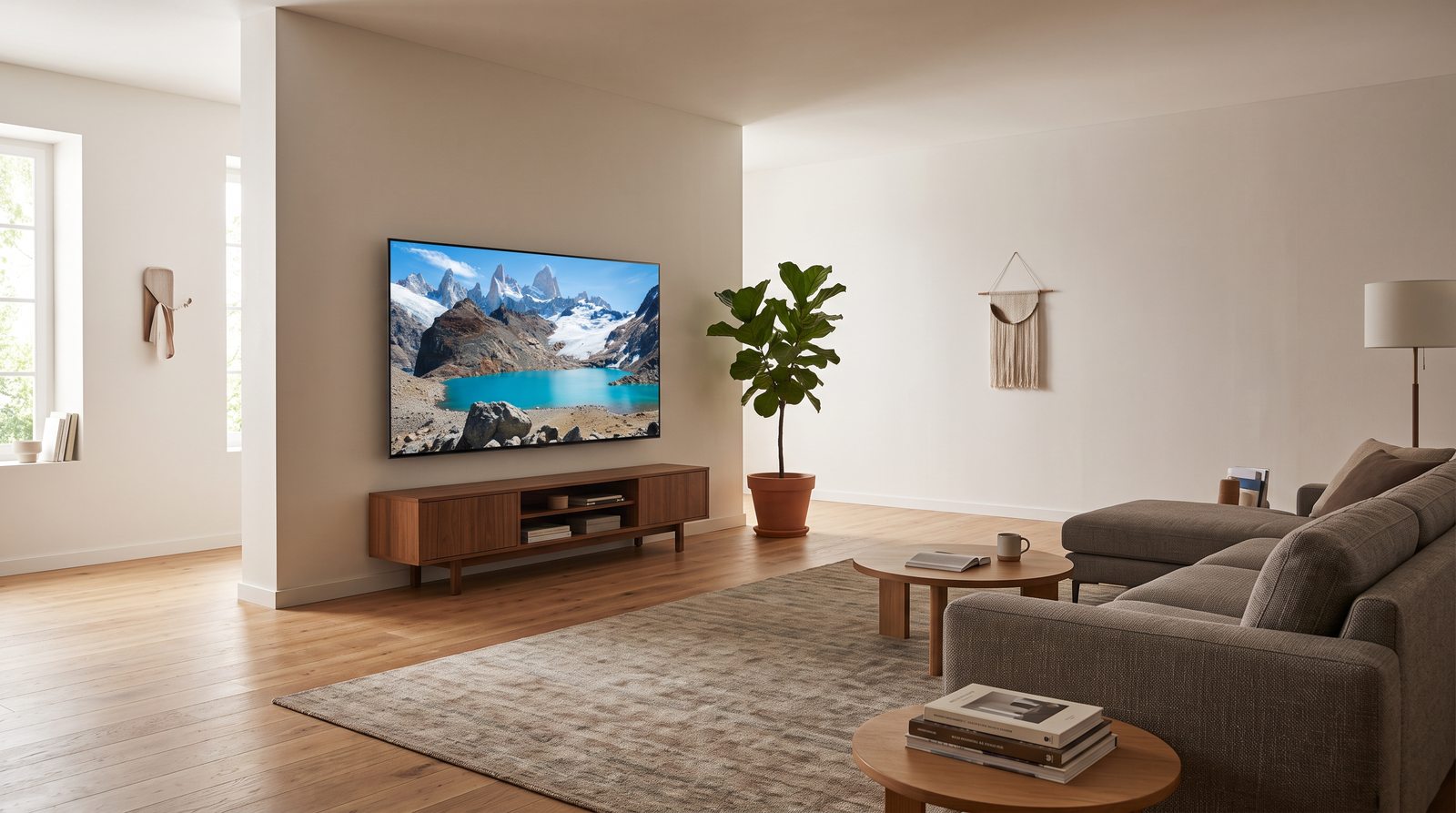
Resolution: Full HD, 4K or 8K?
Full HD – 1920 × 1080
In new TVs, Full HD is mainly found on smaller diagonals and cheaper models. For general viewing on a smaller screen, it may still be sufficient.
4K UHD – 3840 × 2160
4K is the main standard for most medium and larger TVs today.
- offers a smoother image,
- makes better use of larger diagonals,
- There is a wide range of 4K content available today,
- works well with modern consoles and streaming services.
For most users, 4K is the most practical choice.
8K – 7680 × 4320
8K offers four times the number of pixels compared to 4K.
However, in practice it is necessary to consider:
- very limited availability of native 8K content,
- higher price,
- screen size,
- observation distance.
8K is becoming increasingly important, especially with very large diagonals. However, for the average user, 4K still covers most real-world needs.
LED, QLED, Mini LED or OLED?
Display technology is one of the most important parameters of a television . However, the marketing name alone does not tell everything about the resulting image quality.
LED / LCD
A classic LED TV is actually an LCD panel backlit by LEDs.
Advantages:
- affordable price,
- wide selection of sizes,
- good brightness,
- no typical risk of permanent image burn-in.
However, quality can vary significantly between models.
VA vs. IPS / ADS in LCD TVs
VA panel
- higher native contrast,
- deeper black when viewed from the front,
- good conditions for movies in a darker room.
The disadvantage is the narrower viewing angles. When viewed significantly from the side, contrast can drop and color reproduction can change.
IPS/ADS panel
- wider viewing angles,
- more stable image when viewing from different locations in the room.
The disadvantage is lower native contrast and less deep black.
VA may be more suitable for evening viewing directly in front of the TV, for example, while IPS/ADS may be more practical in a room where multiple people are watching the TV from different angles.
QLED
QLED is an LCD technology that uses a layer of quantum dots to improve color and brightness.
Typically offers:
- high brightness,
- saturated colors,
- good usability in bright rooms.
However, it still uses an LCD panel and backlight, so the resulting contrast and black level depend on the type of panel and the quality of the local dimming, among other things.
Mini-LED
Mini LED uses significantly smaller LEDs in the backlight, allowing the TV to have more dimming zones and more precisely control the brightness of individual parts of the picture.
The result may be:
- higher brightness,
- better contrast,
- better HDR,
- less glare from bright objects into dark surroundings.
But it's still LCD technology.
OLED
OLED does not use a traditional backlight. Each pixel lights up independently and can be turned off completely.
Advantages:
- really black,
- very high contrast,
- very fast response,
- good viewing angles,
- very good picture in a dark room.
WOLED and QD-OLED
With current OLED TVs, you can come across multiple panel variants.
WOLED uses an OLED structure with color filters and a white subpixel. Some more modern variants use technologies to increase efficiency and maximum brightness.
QD-OLED combines an OLED layer with quantum dots. The advantage can be high color volume and very saturated colors even at higher brightness.
However, the differences between specific models are often more important than the name of the technology itself.
What about OLED burn-in? Modern OLED TVs use pixel shift, compensation cycles and other protection mechanisms that reduce the risk of permanent imprinting. Therefore, there is no need to overestimate burn-in when changing content normally. However, when displaying the same static content for a long time, such as the same news channel or a game HUD, the risk still exists.
What is local dimming?
LCD TVs can't completely turn off individual pixels like OLEDs, so some models use local dimming.
The backlight is divided into zones and the TV can lighten or darken individual areas.
The more precise the backlight control, the better the TV can display the combination of light and dark parts of the picture.
In case of worse local dimming, so-called blooming may occur, when a brighter glow is visible around a bright object on a dark background.
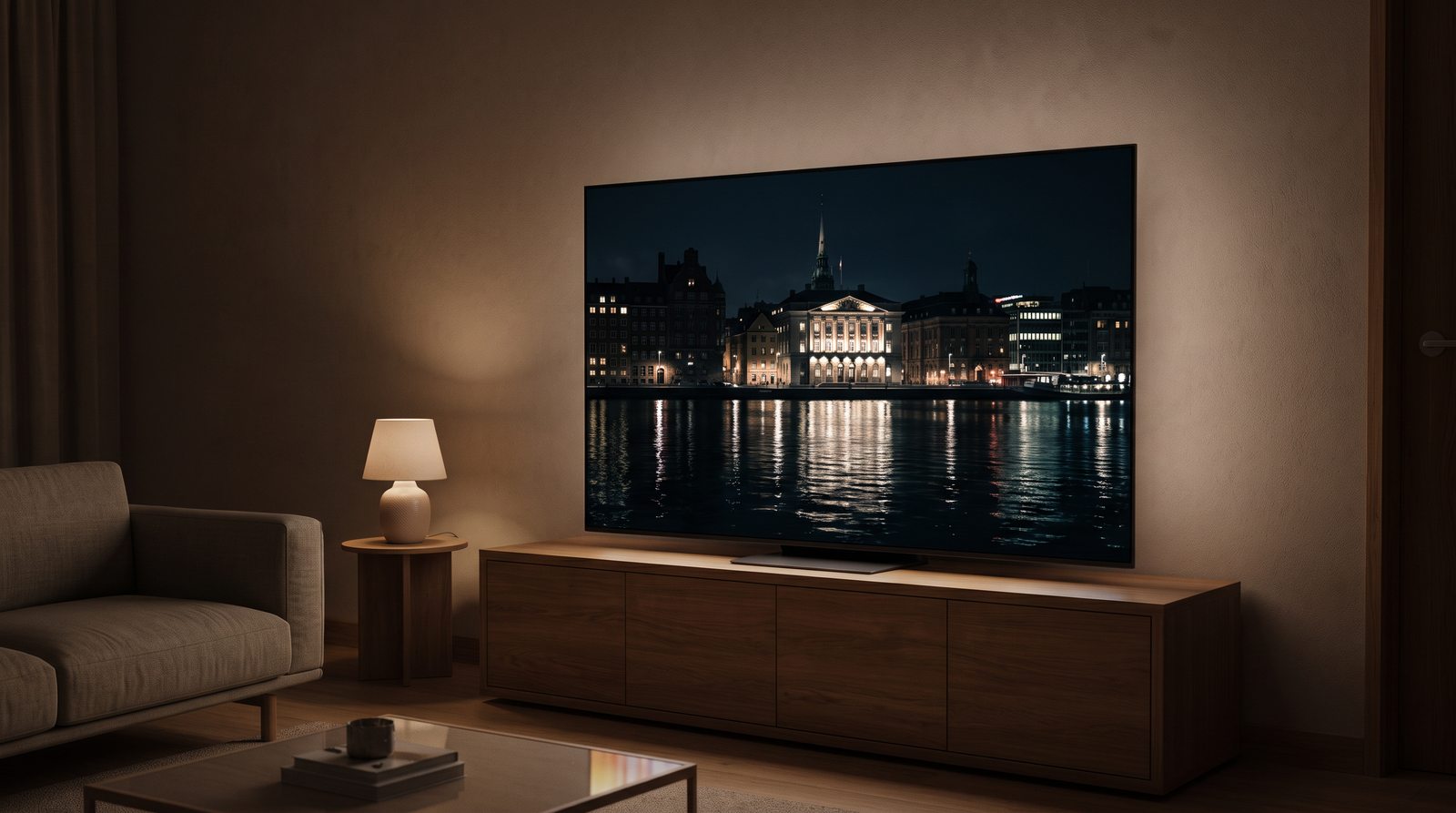
Refresh rate: 50/60 Hz or 100/120 Hz?
Refresh rate indicates how many times per second the display can refresh the image.
50/60Hz
It may be quite sufficient for regular television broadcasts, series or films.
100/120Hz
A higher refresh rate is especially interesting for sports, gaming, fast movement, and modern game consoles.
A TV with a 100/120 Hz panel can offer a smoother image than a regular 50/60 Hz model.
For a gaming PC, some modern televisions can also support 144 Hz or higher frequencies with the appropriate resolution and connection.
Beware of marketing values. Various indices such as "motion rate", "picture quality index" and similar designations may not correspond to the actual refresh rate of the panel. When comparing, look at the real figure in Hz.
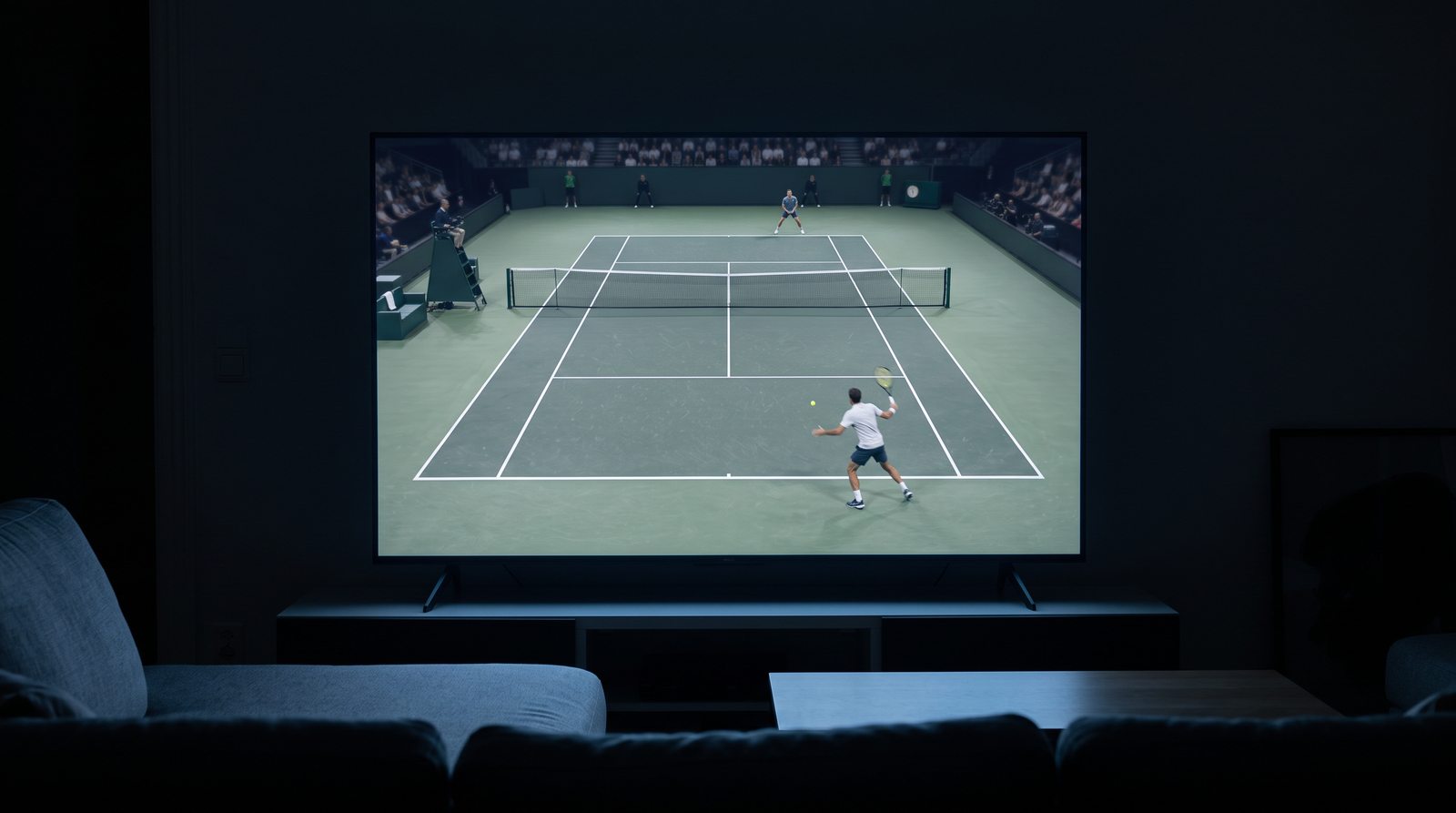
HDR, brightness and contrast
HDR expands the range between very dark and very bright parts of an image.
High-quality HDR can offer:
- more prominent lights,
- more details in the shadows,
- wider color range,
- more realistic image.
But HDR support alone is not enough.
For LCD TVs, it is generally true that higher peak brightness and good local dimming will allow for a more pronounced HDR effect. Values around 600 to 1,000 nits and above can offer more pronounced light peaks, but maximum brightness cannot be evaluated in isolation.
OLED can offer very impressive HDR even at lower maximum brightness than the brightest Mini LED TVs, thanks to its virtually zero black level.
The following are therefore very important:
- maximum brightness,
- contrast,
- panel type,
- local dimming,
- color range,
- HDR image processing.
HDR10
HDR10 is a very popular basic HDR format. It uses static metadata for all content.
HDR10+
HDR10+ uses dynamic metadata, allowing picture settings to change from scene to scene.
Some TVs also come with HDR10+ Adaptive , which takes into account the ambient lighting in the room when adjusting the image.
Dolby Vision
Dolby Vision also uses dynamic metadata and is widespread across a number of streaming services and film content.
Some models also support Dolby Vision IQ , which uses ambient light information to adjust the display of HDR content accordingly.
HLG
HLG is an HDR format designed specifically for television broadcasting. It can be used for some sports or live TV content, for example.
Brightness and contrast
Higher maximum brightness is especially important:
- in a bright room,
- for HDR content,
- during daytime monitoring.
Contrast, on the other hand, is important for the difference between light and dark parts of an image.
In a dark room, high contrast may be more important than extreme maximum brightness.
Colors and picture modes
Modern TVs offer a variety of preset modes, including Standard, Cinema, Filmmaker Mode, Dynamic, and Game.
Standard mode
Universal settings for common content.
Movie mode
They usually try to offer more natural color reproduction and an image closer to the film master.
Dynamic mode
It often significantly increases brightness, contrast, and saturation. It may look attractive in a store, but it may not provide the most accurate image.
Game Mode
It limits some image processing processes to reduce the delay between the gaming device and the image.
Image processor and upscaling
Often, a TV does not only display native 4K content. It can receive Full HD TV broadcasts, older movies, lower quality streaming content, or videos from the internet.
The image processor attempts to convert the lower resolution to the resolution of the panel. This process is called upscaling.
Quality workmanship can improve:
- sharpness,
- noise reduction,
- detail,
- fluidity of movement.
But it cannot create real details that are not in the source material at all.
Gaming: HDMI 2.1, VRR, ALLM and input lag
If you use your TV for gaming, there are a few specific features worth looking into.
HDMI 2.1
HDMI 2.1 can enable, for example:
- 4K at 120Hz,
- 144 Hz or more on some TVs and gaming PCs,
- VRR,
- ALLM,
- higher transmission capacity.
The maximum transmission capacity of the HDMI 2.1 specification is up to 48 Gbps, but a specific television may not use this capacity on all HDMI inputs.
On some models, full gaming features may only be available on some of the HDMI ports.
It's also a good idea to check which HDMI port is used as eARC . If you connect a soundbar or AV receiver to it , this input may be practically occupied by the audio system.
Therefore, the HDMI 2.1 specification itself does not automatically mean that all HDMI inputs support all the features of the specification.
VRR
Variable Refresh Rate synchronizes the refresh rate of the TV with the output of the console or graphics card.
It helps reduce, for example, tearing and some manifestations of image blurring.
ALLM
Auto Low Latency Mode allows the TV to automatically switch to low latency mode when it detects a compatible gaming device.
Input lag
Input lag is the delay between user input and the result being displayed on the screen. Low input lag is especially important when gaming.

Connectivity
HDMI
Before purchasing, check not only the number of HDMI inputs, but also their features.
For example, if you use:
- console,
- soundbar ,
- set top box,
- Blu-ray player,
the number of ports can fill up quickly.
eARC and audio format support
HDMI eARC allows you to transmit audio from your TV to a compatible soundbar or AV receiver.
But when planning a home theater, it's not enough to just check for the presence of eARC.
Support for specific audio formats varies by TV manufacturer and model . For example, some TVs may not support passing all variants of DTS or DTS:X to an external audio system.
If you use a Blu-ray player, console, or your own media library, it's a good idea to check:
- Dolby Atmos support,
- DTS/DTS:X support,
- passthrough options,
- supported formats via eARC.
USB
USB ports can be used for media playback, external storage, or some accessories, for example. Specific functions depend on the model.
Ethernet
A wired connection can offer a more stable network connection than Wi-Fi.
Wi-Fi
It's practically standard for streaming services these days, but the quality of the connection also depends on your home network and the location of your router.
Bluetooth
Bluetooth can be used for, for example,:
- wireless headphones,
- speakers,
- controllers,
- other accessories.

Smart TV system
The television's operating system affects the range of applications, speed of operation, updates, integration of other devices and the overall user experience.
Google TV
It offers a wide range of applications and good integration with Google services.
Ten
It is mainly used by Samsung. It offers its own environment and extensive support for streaming services.
webOS
It is mainly used by LG. It is focused on simple operation and quick access to applications.
When choosing, it is not necessary to look for a universally “best” system.
It is more important to verify:
- availability of used applications,
- system speed,
- control method,
- support for updates.
TV and soundbar sound
Modern TVs are very thin, which limits the space for speakers.
Built-in sound may be sufficient for:
- regular television broadcast,
- news,
- easy to follow.
For movies, music, or home theater, sound can be one of the first reasons for an external solution.
When does a soundbar make sense?
The soundbar can offer:
- more expressive dialogues,
- better dynamics,
- stronger bass,
- wider sound space.
For a regular living room, it is usually easier to install than a full-fledged AV system.

TV tuner: DVB-T2, DVB-S2 and DVB-C
DVB-T2
It is used for terrestrial digital television broadcasting.
DVB-S2
It is used for satellite reception.
DVB-C
It is used for cable television.
If you only use streaming services or an external set-top box, the tuner may not be as important in your decision.
Television location
Television on a stand
Before buying, check:
- width of the TV furniture,
- distance between the legs,
- the depth of the stand,
- space for a soundbar .
On some large TVs, the feet may be placed very far apart.
Wall mounting
Most televisions support the VESA standard.
It is necessary to verify:
- VESA size,
- weight of the television ,
- load capacity of the holder,
- wall type,
- access to connectors.
Also consider cable routing during installation.
How high to place the TV?
The ideal position depends on seat height, viewing distance, and screen size.
In general, the TV should not be placed unnecessarily high. For normal viewing, the center of the screen should be approximately in the natural line of sight or just slightly above it.

Consumption and energy class
The size of the TV , panel type, brightness and usage pattern all affect energy consumption.
The energy label can be useful when comparing similar TVs.
However, real consumption also depends on:
- the set brightness,
- HDR content,
- duration of use,
- image mode.
Which TV to use?
Regular viewing and streaming
- 50 to 65 inches depending on the room,
- 4K,
- quality LED, QLED or Mini LED,
- clear Smart TV system,
- enough HDMI ports.
Movies and series
- high contrast,
- good black level,
- high-quality HDR,
- OLED or high-quality Mini LED,
- larger diagonal.
Sport
- 100/120Hz panel,
- good motion processing,
- high brightness,
- good viewing angles.
Gaming
- 4K,
- 120 Hz, or 144 Hz and more for gaming PCs,
- HDMI 2.1,
- VRR,
- ALLM,
- low input lag,
- High-quality HDR.
Bright living room
- higher brightness,
- high-quality anti-reflective coating,
- good viewing angles.
Home theater
- larger diagonal,
- high contrast,
- high-quality HDR,
- OLED or high-quality Mini LED,
- eARC,
- high-quality external sound.
First use and space, then technology
A TV is not just a big screen. The right choice depends on what you watch, from what distance, in what environment, and what devices you connect to your TV.
It is therefore a good idea to proceed in approximately the following order when making your selection:
- method of use,
- viewing distance,
- size,
- distinction,
- panel technology,
- refresh rate,
- HDR and brightness,
- connectivity,
- Smart TV system,
- sound,
- location.
The biggest or most expensive TV may not automatically be the best choice. It's important that its features match how you'll actually use it.
Frequently asked questions
How big a TV should I choose based on distance?
For a 4K TV, you can expect a viewing distance of approximately 1 to 1.5 times the screen diagonal. However, it also depends on the quality of the content, the size of the room, and personal preferences.
Is OLED better than QLED?
Not generally. OLED offers individually lit pixels, true blacks, and very high contrast. QLED is an LCD technology that can offer very high brightness and be suitable for bright rooms. The more suitable technology depends on the environment and viewing method.
Does 120 Hz make sense?
Yes, especially for sports and gaming. A higher refresh rate allows for smoother motion and, on compatible devices, for example, 4K gaming at 120Hz. However, 120Hz is not necessary for regular TV or movies.
Does 8K television make sense today?
For most users, 8K is not essential yet. There is a limited amount of native 8K content, and 4K offers very high picture quality even on large TVs.
What does HDMI 2.1 mean?
HDMI 2.1 is a newer generation of HDMI that can support things like 4K at 120Hz, VRR, ALLM, and higher bandwidth. However, you need to check the specific features of your TV as not all HDMI ports may support the same features.
Do I need a soundbar?
Not necessarily. For casual viewing, your TV's built-in sound may be sufficient. But if you watch a lot of movies, listen to music, or want more punchy dialogue and bass, a soundbar can provide a significant improvement.
Which Smart TV system is best?
There is no one universally best choice. What is more important is that the system supports the services you use, is fast enough, and has adequate application and update support.
Do you need advice on choosing a television?
If you are not sure, write to us at what distance you watch TV, how big your room is, and what you will watch most often on it.
We will help you choose the appropriate size, display technology, refresh rate, connectivity and other parameters according to your usage.
E-mail: info@jirno.eu
We only handle technical questions via e-mail or contact form.
Do you have any questions? We will answer them. Please fill in your contact details carefully.
JIRNO – a technique that makes sense in practice.